If you want to install additional packages on your Synology NAS you first need to install ipkg. In this post I’ll explain the steps you need to take to install this package on your Synology NAS. If you don’t have terminal access, please enable that first (link).
First thing you need to do is determine what kind of CPU your Synology NAS has. The easiest way is looking it up in on the Synology Wiki page (What kind of CPU does my NAS have). In case of my DS212+ it’s a Marvell Kirkwood mv6282. Now you know what CPU your Synology NAS has you can find the appropriate bootstrap.
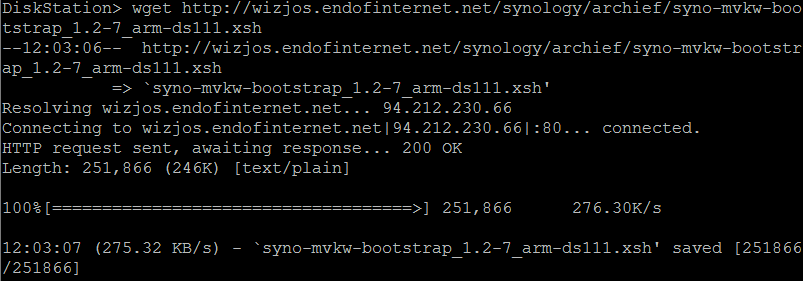
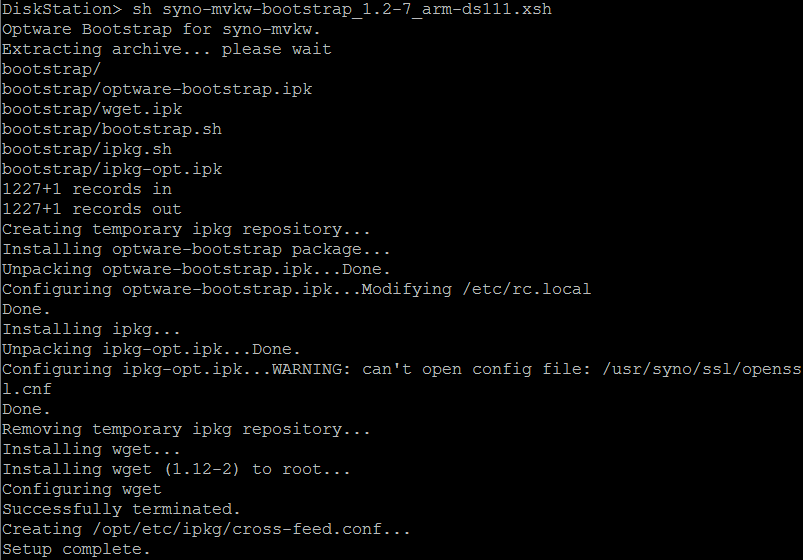
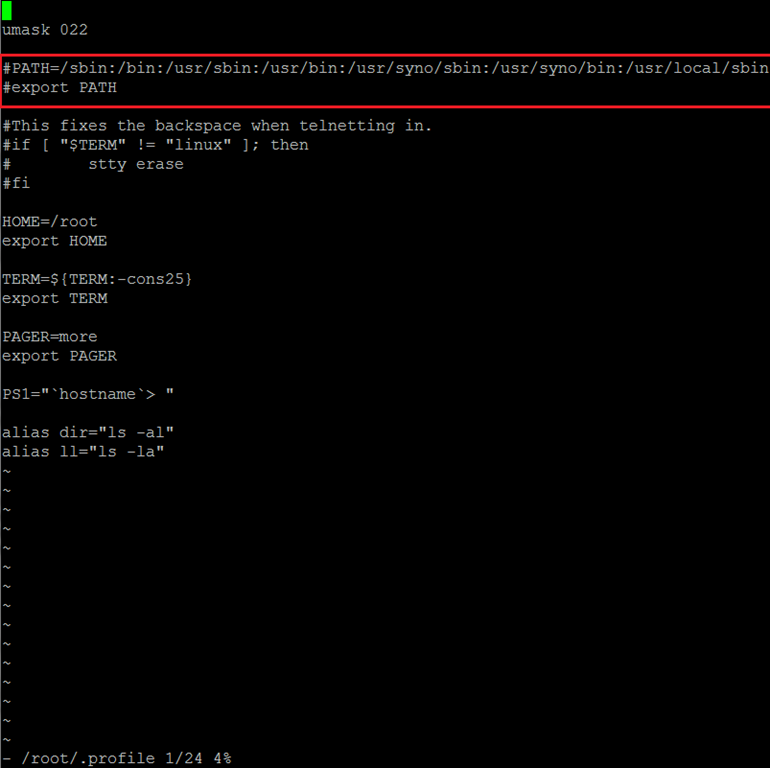
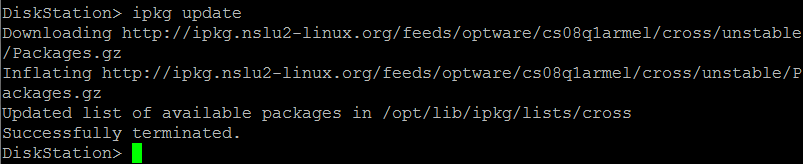
Now you can install ipkg in 8 (or 9 steps):
How to use ipkgYou can install a package using the command : ipkg install <packagename> Upgrading already installed packages can be done with the command : ipkg upgrade
You can list all available packages with : ipkg list. This might produce a long list (and take a long while). If you want to narrow down the list you can search in the results: ipkg list | grep <your filter>
(Alternative) Package CenterAs an alternative you can use Package Center to install ipkg. More information can be found at quadrat4.de.
. |
GMT-8, 2026-6-3 11:08 , Processed in 0.994275 second(s), 14 queries .
Powered by Discuz! X3.4
© 2001-2023 Discuz! Team.